Where to Buy a Filament Bible
Filament edition Bibles pair a beautiful print Bible with the free Filament Bible App, giving you instant access to study notes, devotionals, videos, maps, and audio for the page you’re reading. This guide shows you where to shop for one.
Shop directly through Tyndale
Direct links to Filament Editions:
NLT Filament Editions
NTV Filament Editions
NVT Filament Editions are available through Mundo Cristão:
https://www.mundocristao.com.br/produto/biblia-filament-marrom/
https://www.mundocristao.com.br/produto/biblia-filament-preta/
https://www.mundocristao.com.br/produto/biblia-filament-lilas/
How to be sure a Bible is a Filament edition Bible
Not every Tyndale Bible connects to the app, so look for these signs before purchasing:
The title or product page says “Filament,” “Filament Edition,” or “Filament Enabled.”
The description mentions app access to study notes, devotionals, videos, or audio.
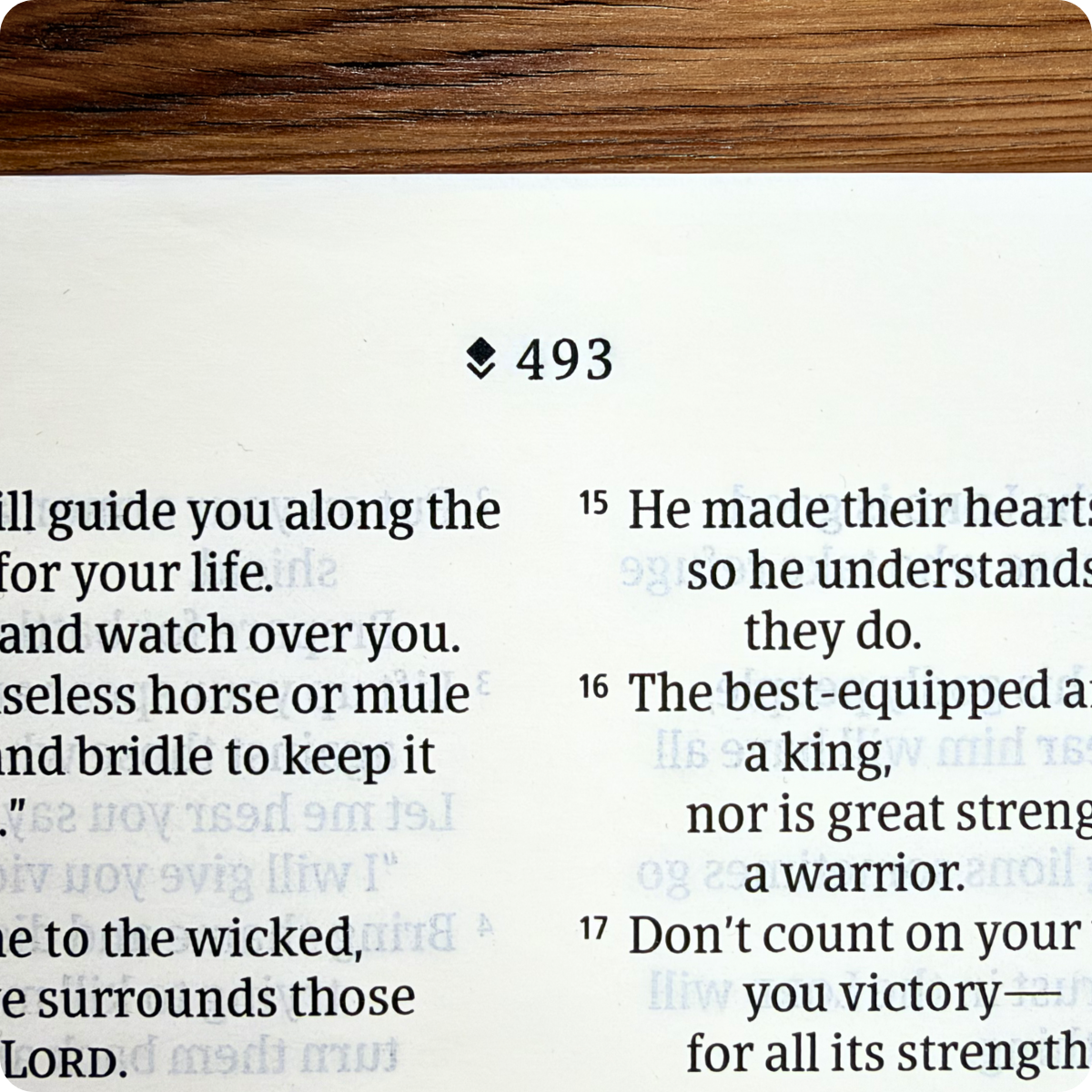
Each page has a Filament logo at the top:
Common questions
Do I have to pay for the app separately? No. Filament is completely free on iOS/iPadOS and Android.
Does the app include the full Bible text on its own? No. It's a companion to your print Bible, not a standalone reader, so keep your Filament edition nearby.
Can I buy a used Filament Bible? Yes. The app is tied to the edition, not to a purchase record, so a used copy still connects.
Need help choosing an edition? Email csresponse@tyndale.com.